 InteriorPro
Cinematic walkthroughs of your designs
Turn any AI-generated room design into a smooth, cinematic video flythrough. Perfect for client presentations and property listings.
Get started with Pro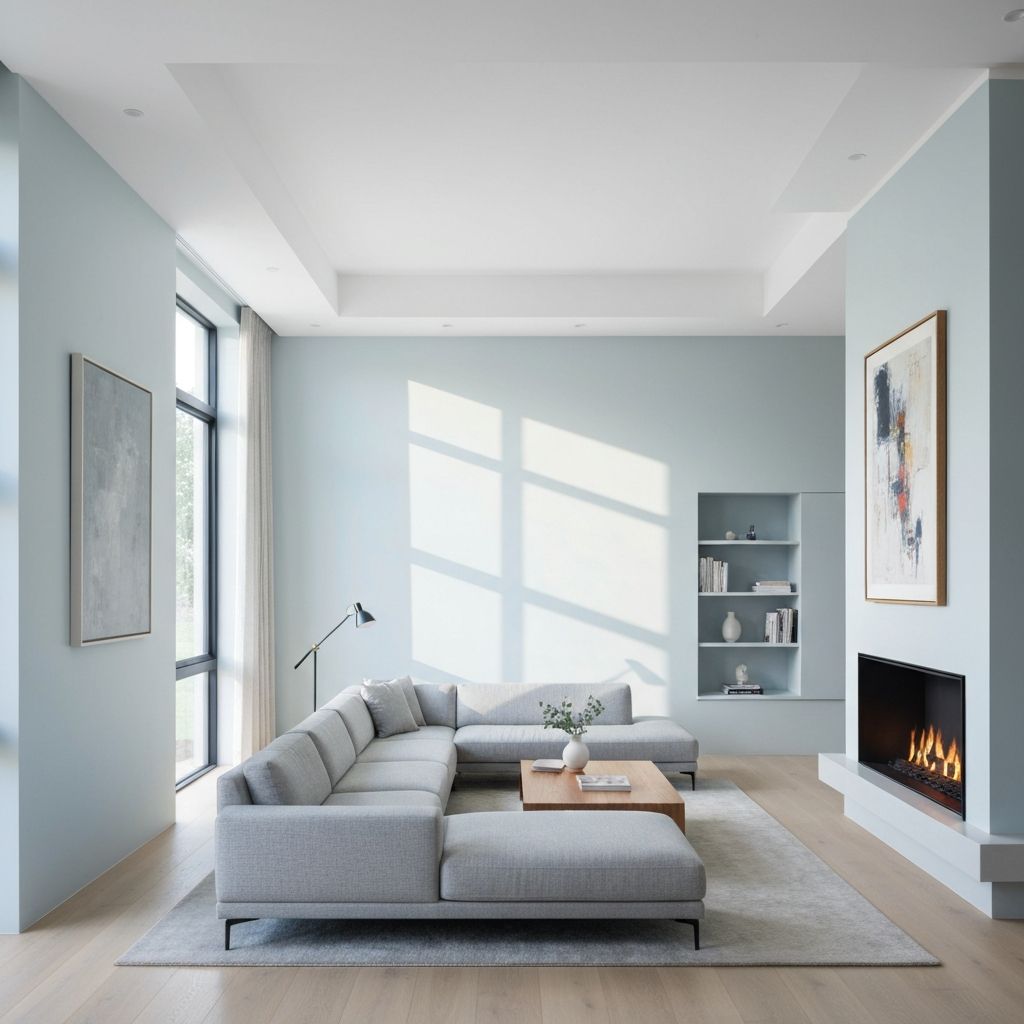
How it works
Three steps to a video
Generate your design
Redesign or stage a room using any mode — redesign, virtual staging, freestyle, or floor plan.
Select video walkthrough
Choose between a 5-second or 10-second cinematic flythrough of your generated design.
Download your video
Your cinematic flythrough is rendered and ready to share, present, or post.
Who it's for
Built for professionals
Real estate agents
Create immersive property tours that bring listings to life and help buyers visualize spaces.
Interior designers
Present design concepts to clients with cinematic impact that static images can't match.
Content creators
Generate scroll-stopping design content for social media, reels, and short-form video.
Features
Professional-grade video
Cinematic camera movement
Smooth, AI-generated flythrough that pans through your designed space highlighting key features.
Flexible duration
Choose between 5-second clips for social media or 10-second videos for presentations.
HD video export
Download MP4 files in HD resolution, ready for presentations, social media, and email.
Works with any design
Generate a walkthrough from any redesigned, staged, freestyle, or floor plan render.
Pricing
Video walkthrough is a Pro plan feature
Pro plan: $49/mo with 150 credits and video generation
Each video uses 5 credits (5s) or 10 credits (10s)
Also available on Studio ($99/mo) with 400 credits
FAQ
Frequently asked questions
How long are the video walkthroughs?+
What does the camera movement look like?+
Can I create a video from any design?+
How many credits does a video use?+
What format is the video?+
Is video walkthrough available on the free plan?+
Ready to transform
your space?
Join thousands of homeowners and designers creating stunning interiors with AI.
Start designing